
- 7 min read
- AI Agents
- August 12, 2026
- how to build an ai agent for your business
What to take from this article
- Start with one bounded workflow, not a general automation ambition.
- Define data, system, approval and hand-off boundaries before deployment.
- Use pilot evidence to decide whether to expand, improve or stop.
Introduction
The sensible way to build an AI agent is to start with one bounded business workflow, not a broad ambition to automate everything. Define the decision, approved systems, human hand-off and success measure before choosing a model or platform.
Silverstone AI is UK-based and serves UK and international clients. For UK businesses, use a principles-based, context-specific governance lens; the same design disciplines generally travel well internationally, although local legal, sector and data obligations may differ.
What an AI agent is in a business workflow
An agent progresses a multi-step task; it is not simply a chatbot with a prompt.
In practical terms, an agent combines a model, tools, data sources and an orchestration layer to interpret context, choose or recommend a next action, and record what happened. GOV.UK notes that current business deployment is primarily bounded and controlled.
Use an agent where inputs are messy, context sits across systems and a judgment is needed. Use conventional automation where inputs are structured and the same rule should always produce the same outcome. Appian makes this distinction explicit.
- Trigger
- The event that starts the workflow, such as a submitted inquiry or an exception queue.
- Tool
- An approved system action or information retrieval route available to the agent.
- Human hand-off
- A defined point where a person reviews, approves or completes the work.
Choose one bounded use case before selecting tools
The first win should be narrow enough to observe, reverse and improve.
Prioritize a workflow with a known owner, a repeatable trigger and an existing baseline. An agent can recommend an outcome before it executes one; that is often the right first production boundary.
A useful first-use-case test is deliberately demanding:
- Known trigger: the task begins from a recognizable event, document, request or queue.
- Meaningful judgment: the work needs context or reasoning rather than a fixed rule lookup.
- Approved action: the next action occurs only through known tools, permissions and thresholds.
- Safe exception path: a person can review uncertainty, high-impact cases or missing information.
- Measurable baseline: compare time, quality, rework or conversion with the current process.
These characteristics reflect the workflow conditions described by Appian. For a delivery overview, see AI automation and how we work.
- Clear inputThe task begins from a recognizable event, document, request or queue.
- Meaningful judgmentThe work needs context or reasoning rather than a fixed rule lookup.
- Approved actionThe next action can occur only through known tools, permissions and thresholds.
- Safe exception pathA person can review uncertainty, high-impact cases or missing information.
- Measurable baselineYou can compare time, quality, rework or conversion with the current process.
Good first candidate
Inquiry triage that gathers approved information, suggests routing and leaves final acceptance with a team member.
Usually rule-based instead
Structured reminders, status updates and simple field validation with stable business rules.
Delay until later
High-impact decisions where ownership, evidence quality or escalation routes are not yet defined.
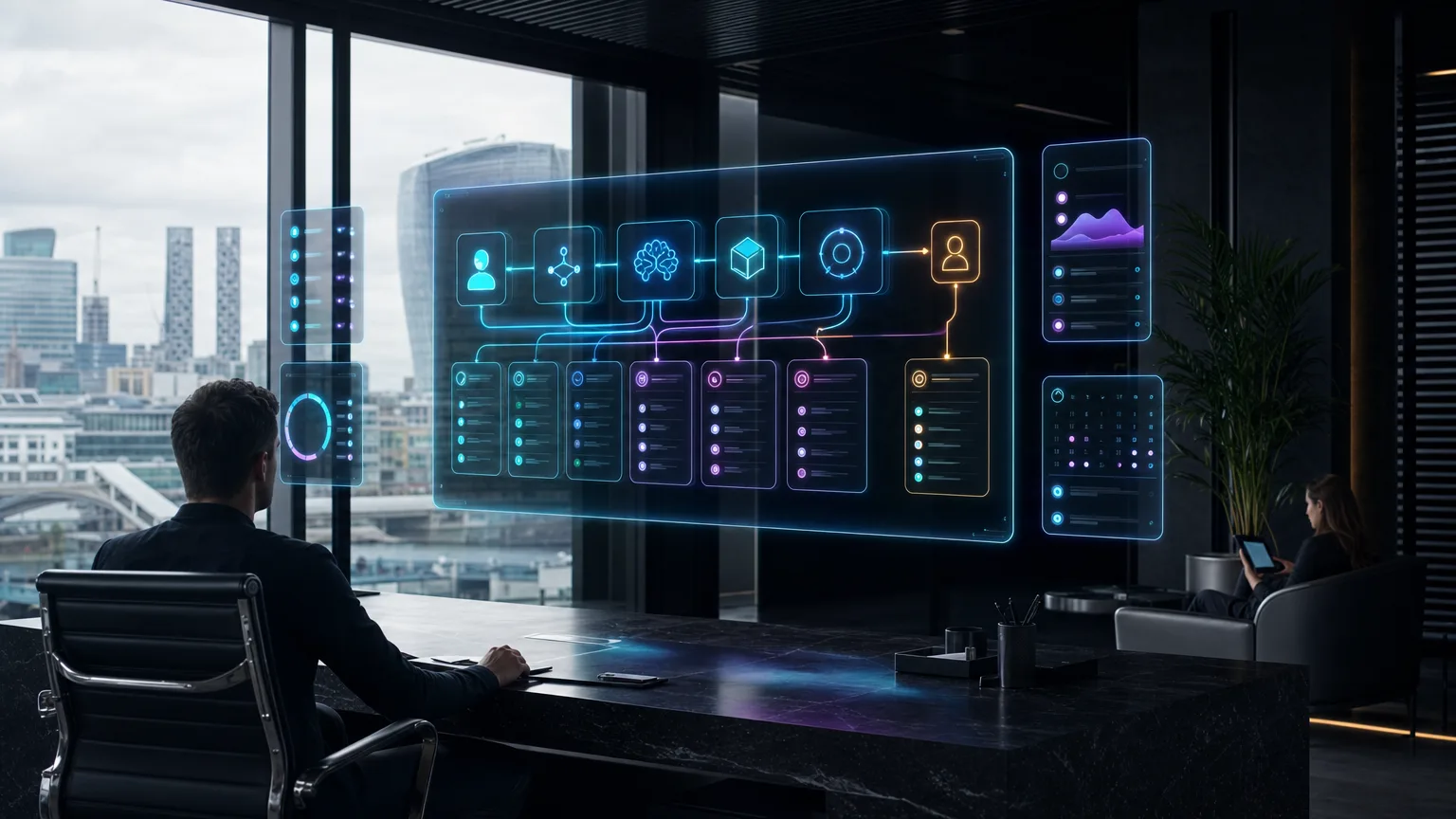
Map triggers, decisions, actions and handoffs
Make the workflow visible before you make it intelligent.
Bird & Bird describes an agent as a composition of components and recommends governance at the workflow level, with constituent parts traceable. Build a route that a process owner, technical team and reviewer can all inspect. Bird & Bird provides the governance context.
Document the route in this order:
- 1
Name the trigger
Specify the event, source system and workflow owner.
- 2
List the decisions
State what the agent may classify, recommend or decline to answer.
- 3
Constrain the actions
Define each permitted tool action, threshold and required approval.
- 4
Design the hand-off
Route uncertainty, missing data and sensitive cases to a named human queue.
- 5
Keep the record
Retain the relevant inputs, sources, action and hand-off reason for review.
Opaque assistant
A broad prompt can produce useful text, but it does not define authority or accountability.
- Unclear action scope
- No reliable exception route
Traceable agent route
A mapped workflow makes permissions, evidence and human oversight explicit.
- Defined tool access
- Recorded escalation logic
VerdictMap the operating route before connecting systems.
Set data, system and approval boundaries early
Give the agent the minimum access needed for its stated job. Critical information should come from approved, authoritative sources rather than generated text. The FINOS AI Governance Framework highlights cross-reference checks, timestamps, stale-data detection and source distinction.
For UK organizations, this is general operational guidance rather than legal advice. The UK approach is principles-based and context-specific; organizations operating internationally should also assess applicable local and EU requirements. The Law Society notes that EU business activity can matter.
- Data allow-listName the sources the agent may read and the fields it may use.
- Freshness ruleDecide how stale or conflicting information is detected and handled.
- Permission modelLimit each tool to the actions required for the workflow.
- Approval thresholdSet monetary, reputational or customer-impact limits requiring review.
- Audit recordRecord source, action, outcome and escalation rationale.
Build, test and monitor the first agent safely
- Test against historical or representative cases before live use.
- Review incorrect, uncertain and escalated outputs with the process owner.
- Release to a limited queue with human approval where needed.
- Monitor actions, failures, source freshness and override reasons.
- Pause or narrow the route when controls no longer hold.
Use a Reviewable trail for every action path, and a Stop condition for unexpected behavior or boundary breaches. A limited production route is evidence gathering, not a guarantee of scale.
- Completion quality
- Baseline vs pilot
- Human intervention
- Escalation rate
- Operational time
- Before vs after
- Control health
- Exceptions logged
Compare accepted outcomes with the existing process.
Inspect why the agent needed help.
Measure the full workflow, not only model response time.
Review permission, source and threshold breaches.
Measure results and decide whether to expand
Expand only when the workflow is useful, controlled and understood in practice.
Make the scale decision from evidence, not enthusiasm. A good pilot reduces uncertainty about value, edge cases and operating ownership. If the agent creates avoidable review work, tighten the scope before adding new actions or teams.
For an implementation discussion, explore AI automation consulting, compare automation costs, and book a discovery conversation. Pricing and return assumptions should be assessed case by case through /pricing.
Related reading:
| Criterion | Weight | Expand | Improve first | Stop or redesign |
|---|---|---|---|---|
| Outcome quality | High | Consistently accepted | Mixed or review-heavy | Unreliable |
| Control performance | High | Boundaries hold | Exceptions need tuning | Material boundary failures |
| Operational value | Medium | Clear baseline improvement | Value not yet clear | No useful improvement |
Build the next Silverstone system around your real workflow.
Bring the problem, the current stack and the commercial outcome. We will map the practical route from idea to deployed AI system.
Book a discovery call